
Stop hitting publish and praying—run this upload blog marketing checklist to 2–5x distribution in 72 hours. Upload blog marketing is a structured, post-publish workflow: quality gate before you go live, upload hygiene at publish, and a channel-by-channel sprint across social, email, and syndication with clear UTMs and measurable checks.
What “Upload Blog Marketing” Actually Means

Key principles
- Intent match first: if the post doesn’t satisfy the searcher, distribution just amplifies disappointment.
- Native-first: every channel gets its own hook and format.
- Timeboxed sprints: Day 0 (publish), Day 1, and Day 2–3.
- Measurable hygiene: UTMs, indexing checks, and basic Core Web Vitals.
Pre-Upload Quality Gate (Don’t Ship Without This)
1) Search intent fit
- Define intent: informational, comparative, or transactional. Note the top SERP content types (how-tos, lists, tools).
- Coverage check: do you answer the primary question clearly in the first screen and support it with depth?
- SERP parity: match page format to the top-ranking pattern where appropriate (without copying).
2) Title, slug, meta
- Title: compelling, under ~60 characters where possible, primary keyword included.
- Slug: short, lowercase, hyphen-separated; avoid stop words.
- Meta description: 120–155 characters that preview value; avoid clickbait.
3) H1–H3 structure and readability
- One H1; clear H2s; scannable H3s where needed.
- Plain-language summaries upfront; avoid jargon walls.
4) Internal links, schema, and definitions
- Link out to 3–6 relevant internal pages; add 1–2 authoritative external references where helpful.
- Schema: Article/BlogPosting; FAQPage only if you have visible on-page Q&As; validate with a schema testing tool.
- Define critical terms the first time you use them.
5) Media hygiene
- Image compression (lossless where possible); add descriptive alt text.
- Use original or licensed visuals; avoid text-heavy images for accessibility.
6) CTA and lead magnet alignment
- Primary CTA matches post intent (e.g., checklist, template, or demo).
- Place an in-flow content upgrade that naturally extends the article.
Quality checks you can measure
- Core Web Vitals: LCP ≤ 2.5s, CLS ≤ 0.1, and responsive interactivity.
- Schema validates without errors.
- Internal links resolve and aren’t orphaned.
Upload Workflow: From Staging to Indexation
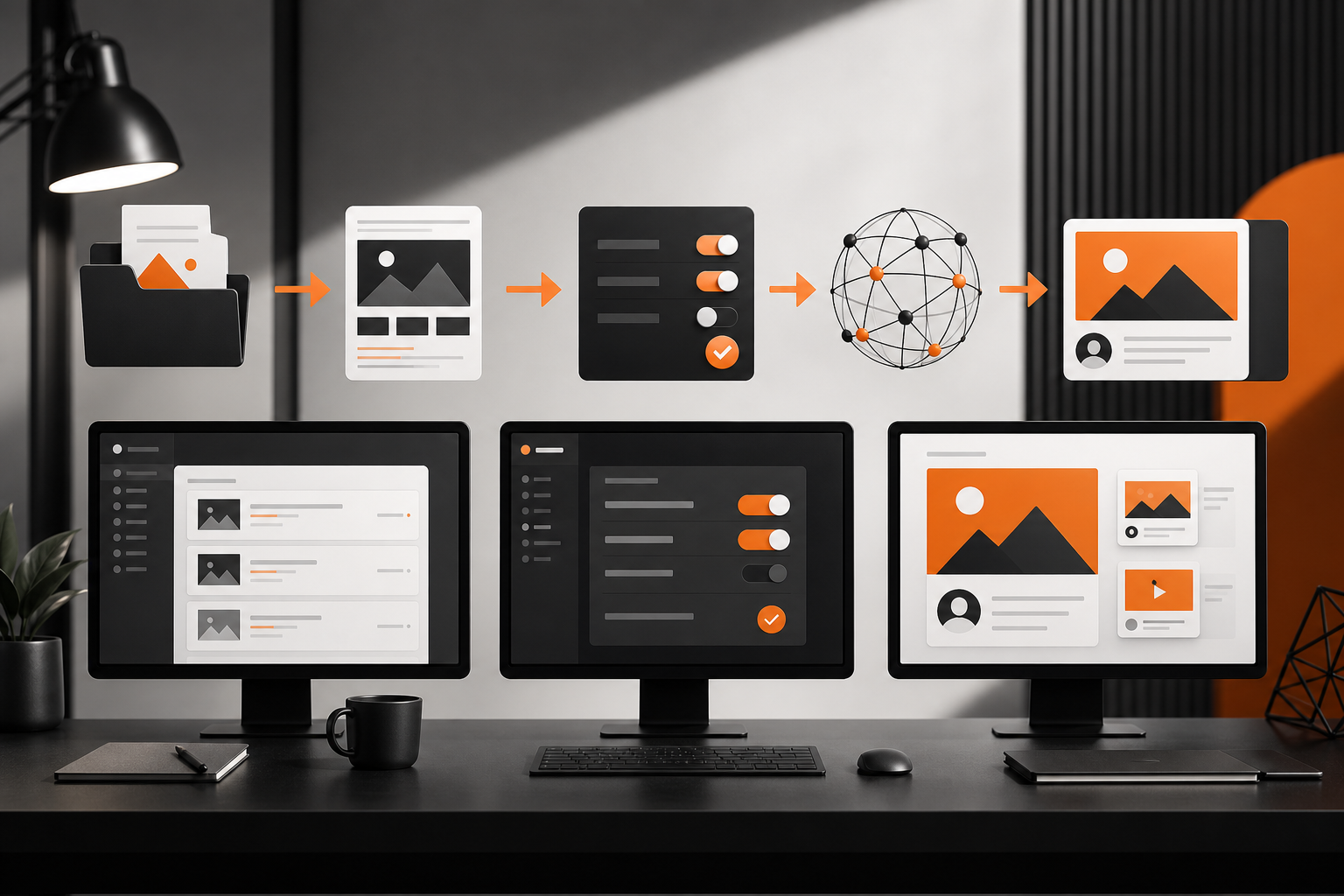
Staging review
- Preview the post on staging (or draft preview) and test on mobile.
- Check anchor links and table of contents behavior.
Canonical and redirects
- Confirm a single canonical URL per post. If this replaces an older URL, map 301 redirects.
- If you’ll syndicate later, keep your version canonical and ensure partners can set rel=canonical back to yours.
Indexation settings
- Confirm “index, follow” on production; remove any noindex from templates.
- After publishing, use Google Search Console’s URL Inspection to request indexing. This doesn’t guarantee indexing but can speed discovery.
Featured image and social OG
- Add a high-quality featured image.
- Set Open Graph (og:title, og:description, og:image) and Twitter Card tags so shares render cleanly.
UTM templates and link hygiene
- Standardize UTMs before you post so analytics cleanly attribute traffic.
- Template: utm_source={{channel}}&utm_medium={{social|email|community}}&utm_campaign={{post-slug}}&utm_content={{hook-variant}}
- Confirm all external links open in a new tab where appropriate; check for broken links.
Day 0 (Publish): Six Moves in 60 Minutes
1) Primary social announcement (native hooks per platform)
- LinkedIn: 1–3 punchy sentences + 3–5-line space pattern; no link in first line; add link in first comment if that fits your approach.
- X: 1–2 tweets: Hook + “Here’s the 7-step checklist” thread; first reply with the link.
- Facebook Page: Hook + value bullets; link in post.
- Pin your best-performing post per channel for 24–48 hours.
2) Repurpose into a short video or carousel
- 30–60s selfie video: “We just published X—here’s the 3-step quick win.”
- Carousel: 6–8 slides with one tip per slide; no text overlays required in the thumbnail image; keep visuals native.
3) Email your newsletter segment
- Send to the segment most likely to benefit (don’t blast everyone). Keep the subject line value-forward.
- Include a skim-friendly TL;DR and one primary CTA.
4) Author amplification
- Ask the author and 2–3 internal SMEs to post their own native takeaways linking back (or link in comments, per channel norms).
5) Community share (only where it’s a fit)
- Company Slack community, niche Slack/Discords, or relevant Facebook/LinkedIn Groups—lead with a problem/solution blurb and include the link only if allowed.
6) Indexing and QA sweep
- Request indexing in Search Console, fetch and render check, then test the live URL on mobile.
- Validate OG/Twitter Card rendering with debuggers.
Day 1–3: Channel-by-Channel Distribution Sprints

LinkedIn (Day 1)
- Post a carousel of the article’s key takeaways; end with a question to prompt discussion.
- Encourage 3–5 team members to comment substantively within the first hour to help early engagement.
X (Day 1)
- Share a 4–6 tweet thread that teaches one tactic from the post; last tweet includes the link with UTM.
Email follow-up (Day 1 or 2)
- Send a short “From the editor” note to a smaller, high-intent segment with a single insight and the link.
Reddit, niche communities (Day 2)
- Participate in threads where the topic is active. Share your tactics in full text; add the link only if it genuinely extends the answer and follows community rules.
Medium or LinkedIn Articles (Day 2–3)
- Syndicate an edited version. Add rel=canonical pointing to your original. Title may differ to fit the audience’s expectations.
SEO nudges (Day 2–3)
- Ensure the post is linked from one high-traffic evergreen page internally.
- Add the post to 1–2 relevant topic clusters or pillar pages.
Conversion assist (Any day)
- Create a lightweight content upgrade (Google Doc checklist or template) and add it as an in-line CTA for list growth.
Practical Examples: Native Hooks You Can Copy
- LinkedIn text post: “We’ve been guilty of ‘publish and pray.’ So we built a 72-hour upload blog marketing checklist. Here are the 6 moves we run on Day 0—and the one most teams skip.”
- X thread opener: “Publishing is step 1. Distribution is the game. Here’s our 9-step upload blog marketing sprint you can run in under 2 hours today: 🧵”
- Email subject lines: “We uploaded a new blog on marketing—steal the 72-hour checklist” or “Stop publishing and praying—use this 9-step post-publish run.”
- Carousel frames: Problem → Checklist overview → Day 0 → Day 1 → Day 2–3 → Metrics → CTA.
Evidence-Led Callout: Non-Negotiables Backed by Platform Guidance
- Canonical URLs: Use one canonical per page; when syndicating, set partners to rel=canonical back to your origin to consolidate signals.
- Open Graph & Twitter Cards: Provide title, description, and image to control social previews and avoid broken thumbnails.
- Core Web Vitals: Aim for good thresholds (e.g., LCP ≤ 2.5s, CLS ≤ 0.1) to reduce abandonment.
- Indexation: Google’s URL Inspection “Request indexing” can help discovery but doesn’t guarantee indexing.
These practices align with widely available platform documentation and are safe defaults for most teams.
Measurement: UTMs, KPIs, and a 72-Hour Review
UTM structure you can reuse
- Base: ?utm_source={{channel}}&utm_medium={{type}}&utm_campaign={{post-slug}}&utm_content={{variant}}
- Examples: LinkedIn feed = utm_source=linkedin&utm_medium=social&utm_campaign=upload-blog-marketing&utm_content=carousel-v1; Email main list = utm_source=newsletter&utm_medium=email&utm_campaign=upload-blog-marketing&utm_content=primary-send
Minimum viable KPIs
- Social: saves, shares, comments on native posts; UTM clicks to the URL.
- Email: open rate (trend over your baseline), click rate, unsubscribes.
- On-site: engaged sessions, average engagement time, scroll depth to CTA.
- SEO early signal: impressions and queries in Search Console over 7–14 days.
72-hour review ritual
- Identify the top two performing hooks and cut the rest.
- Update the article’s intro or CTA if you see consistent drop-offs above the fold.
- Add 1–2 internal links from relevant legacy posts that still get traffic.
Limitations and Pitfalls to Avoid
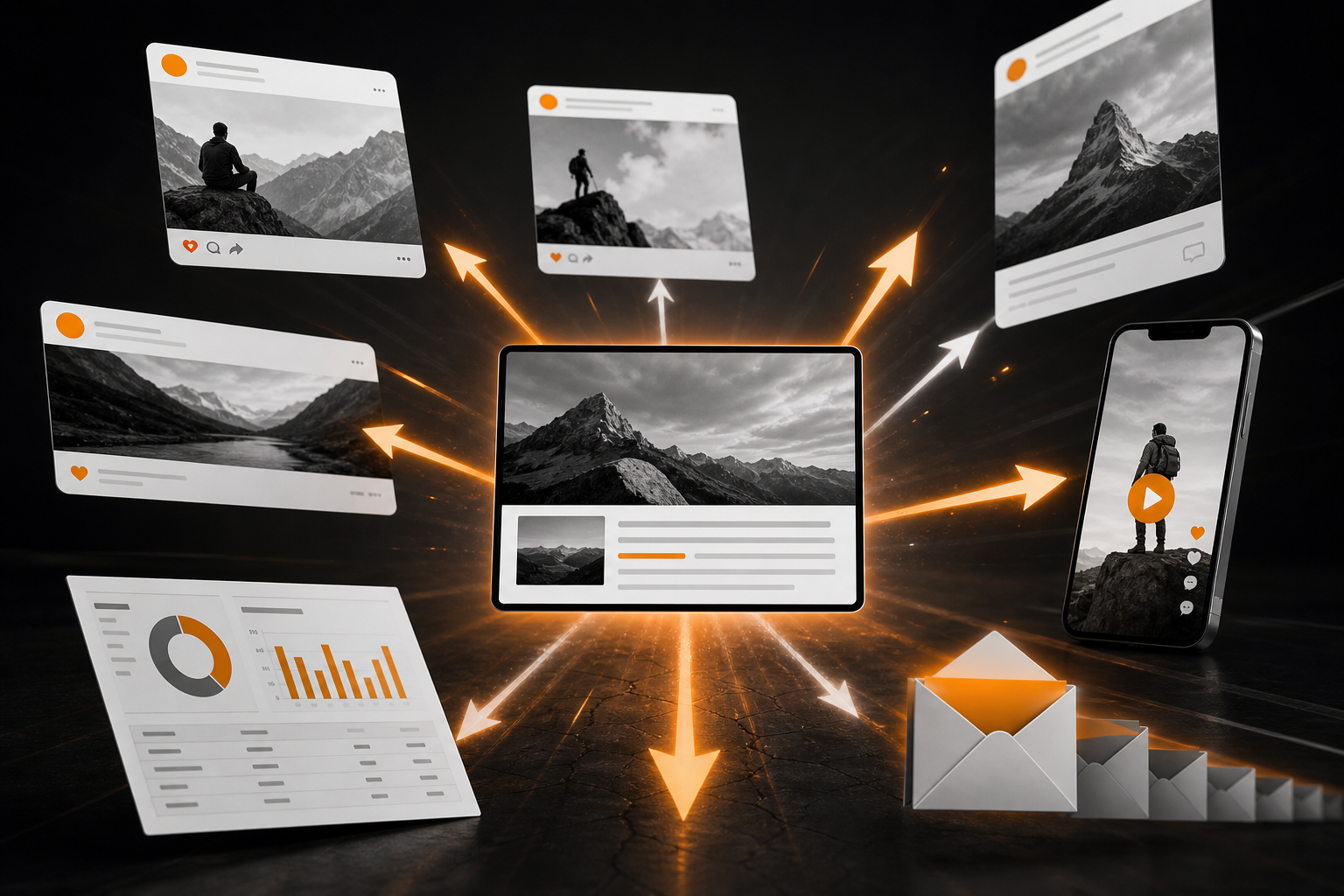
- Over-posting the same link: Channels reward native value. Post insights first; link second.
- Community spam: Share only where your contribution is welcome and rules allow links.
- Skipping canonical setup on syndication: Avoid duplicate content confusion.
- Ignoring accessibility: Always include descriptive alt text and avoid text-only images.
- One-size-fits-all creative: Reformat for each channel instead of blasting the same asset.
How Orange & Black Can Help
Note: For omnichannel planning and execution at scale, Topiclicks can act as an agentic AI layer—mapping topics, auto-drafting native hooks per channel, and scheduling assets—while you retain editorial control.
The 72-Hour Upload Blog Marketing Checklist (Summary)
- Pre-upload: intent fit, metadata, H1–H3, internal links, schema, compressed images with alt, aligned CTA.
- Upload: staging QA, canonical/redirects, index/follow, OG/Twitter images, UTM templates.
- Day 0: native social announcements, short video/carousel, pin posts, segmented email, community share, indexing check.
- Day 1–3: threads/carousels, follow-up email, community participation, syndication with canonicals, internal linking boosts.
- Measurement: UTMs in GA4, GSC indexing/impressions, engagement rate, scroll depth, CTA conversions.
Who this helps
- In-house teams on WordPress, Wix, or Webflow needing predictable reach.
- A blog marketing agency standardizing promotion for multiple clients.
- Any team publishing a blog on marketing that wants outcomes beyond “publish and pray.”
Common questions
Frequently asked questions
What is upload blog marketing and how is it different from general content promotion?
Upload blog marketing is a 72-hour, post-publish workflow focused on structured distribution and measurement immediately after a post goes live. It includes a pre-upload quality gate, upload hygiene (canonical, indexation, OG), and channel-specific promotion with UTMs. General content promotion can be ad hoc and lacks this timeboxed, systematic approach.
What should I do in the first hour after I upload a blog on marketing?
Run Day 0 moves: publish the post, verify OG/Twitter previews, request indexing in Search Console, post native hooks on your primary social channels, pin the best-performing announcement for 24–48 hours, and send a segmented newsletter. Ensure UTMs are applied to every off-site link.
How do I set up UTMs for upload blog marketing?
Use a standard structure so GA4 can attribute cleanly: utm_source={{channel}}, utm_medium={{social|email|community}}, utm_campaign={{post-slug}}, utm_content={{hook-variant}}. Example: ?utm_source=linkedin&utm_medium=social&utm_campaign=upload-blog-marketing&utm_content=carousel-v1.
Can I syndicate a blog on marketing to Medium or LinkedIn without hurting SEO?
Yes. Publish the original on your site, then syndicate an edited version to Medium or LinkedIn Articles and set rel=canonical to your original URL. Ensure titles and intros are tailored for those audiences and avoid duplicating the entire post without a canonical.