
Online reputation management helps local businesses grow search visibility and conversions by earning more high-quality reviews, replying quickly, and showcasing social proof on and off Google. In 90 days, you can build a review engine with automation, precise timing, and policy-safe responses that lift rankings and revenue—without begging customers.
Hook: Turn your reviews into a revenue engine in 90 days—without begging customers.
What online reputation management means for local businesses

Online reputation management (ORM) is the discipline of monitoring, improving, and showcasing what customers say about you across Google, Facebook, Yelp, Nextdoor, and industry-specific sites (e.g., TripAdvisor for attractions; Healthgrades for healthcare). For local SMBs, it’s a core part of local SEO: reviews influence click-through rates, trust, and Google’s local pack visibility.
Key outcomes ORM drives:
- Consistent review velocity to stay competitive in your market
- Higher average star ratings and more detailed review content
- Faster replies that reduce churn and show responsiveness to prospects
- Richer “branded SERP” with stars, Q&A, and compelling snippets
The 90-day review engine (overview)
Here’s the high-level sequence we’ll detail: 1) Audit the baseline (Week 0–1). 2) Automate compliant, post-purchase asks (Week 1–3). 3) Segment timing and intercept unhappy customers (Week 2–4). 4) Reply at scale with guardrails (Week 2–12). 5) Showcase social proof across GBP and your site (Week 3–12). 6) Measure, learn, and iterate (Weeks 4–12 and ongoing).
This playbook layers GoHighLevel-style automations with clear response SLAs and a showcase system that compounds trust and rankings.
Audit: find your starting point and opportunities

Start with a structured snapshot so you can measure real improvement in 90 days.
Checklist (save as your baseline):
- Star ratings: Average on Google Business Profile (GBP) and your top 5 review sites.
- Review volume and velocity: Total count and reviews added in the last 90 days.
- Category and SERP: Your primary GBP category, top keywords, and where you appear in the local pack for priority terms.
- Branded SERP: What shows when people search your brand—knowledge panel, sitelinks, reviews, Q&A.
- Response rate and speed: Percentage of reviews you reply to and typical time to respond.
- Competitor gap: Compare the above to your top 3 local competitors.
Where to look:
- Google Business Profile: Reviews, Q&A, Photos, and Insights.
- Other platforms: Yelp, Facebook, Nextdoor, BBB, niche sites.
- CRM and POS: Identify touchpoints where you can ethically and compliantly trigger asks (e.g., completed appointment, delivered order).
Automate asks the right way (no begging required)
The best online reputation management systems win by making review requests feel natural, timely, and easy—never pushy.
Core assets to set up in Weeks 1–3:
- Post-purchase SMS/email sequences: Send 1–2 gentle nudges with a direct link to your chosen review site, spaced 24–72 hours apart.
- QR codes at checkout and on receipts: A small poster at the register with a QR to your GBP review link.
- On-site NFC cards: Staff can tap a card to open the review page on the customer’s phone (use only after service is complete and the customer expresses satisfaction).
GoHighLevel-style workflow blueprint:
- Trigger: “Order marked delivered” in Shopify/Square/Stripe OR “Appointment completed” in your CRM.
- Branch 1 (Satisfied): If CSAT/feedback score ≥ 4 or positive NPS, send review request via SMS → follow-up email 48 hours later if no action.
- Branch 2 (Unsure/Negative): Route to service recovery (no public review request yet).
- Compliance: Include easy opt-out in SMS, respect quiet hours, and maintain unsubscribe lists.
Practical tip: Create separate flows for new vs. repeat customers. Repeat buyers often leave richer, keyword-infused reviews.
Segment and time requests to protect CX
Timing and segmentation protect your reputation and improve response rates.
Rules that work:
- Ask only after successful delivery/visit: Tie triggers to completion statuses, not orders placed.
- Intercept unhappy customers first: Use a one-question check-in (e.g., “How did we do?”) with a 1–5 scale. Route ≤ 3 to support.
- Segment by product/service: Link the review to the most relevant profile (e.g., dental hygiene vs. orthodontics) when platforms allow, or adapt the messaging to reflect the service.
- Space nudges: 24–72 hours between the first and second ask. Stop after 2–3 messages total.
Policy note: Avoid “review gating” (showing only satisfied customers the review links) or incentives. Google’s policies prohibit incentivized reviews and discourage selective solicitation; Yelp discourages asking for reviews at all. Keep your messages neutral and optional.
Respond, route, and remediate at scale
Responses influence prospect trust and often defuse negatives.
Set an SLA and routing plan:
- SLA: Reply to all public reviews and GBP Q&A within 24 hours on business days.
- Ownership: Assign response roles (front desk for thanks; manager for complex issues; owner for escalations).
- Templates with personalization: Maintain 6–10 base templates per scenario (5-star, 4-star with suggestions, 1–2-star with resolution steps). Always customize at least one line referencing the visit or service.
- Private resolution path: Offer a phone/email route for details on negative reviews—avoid asking to “change” a review; focus on fixing the experience.
Operational guardrails:
- Don’t reveal private information; respect HIPAA/PHI where applicable (e.g., healthcare practices).
- Never argue publicly. State facts briefly, invite offline resolution.
- Report policy-violating reviews (spam, conflict of interest) through platform tools, but expect removals only if they clearly violate rules.
Showcase and compound trust on-site and on Google
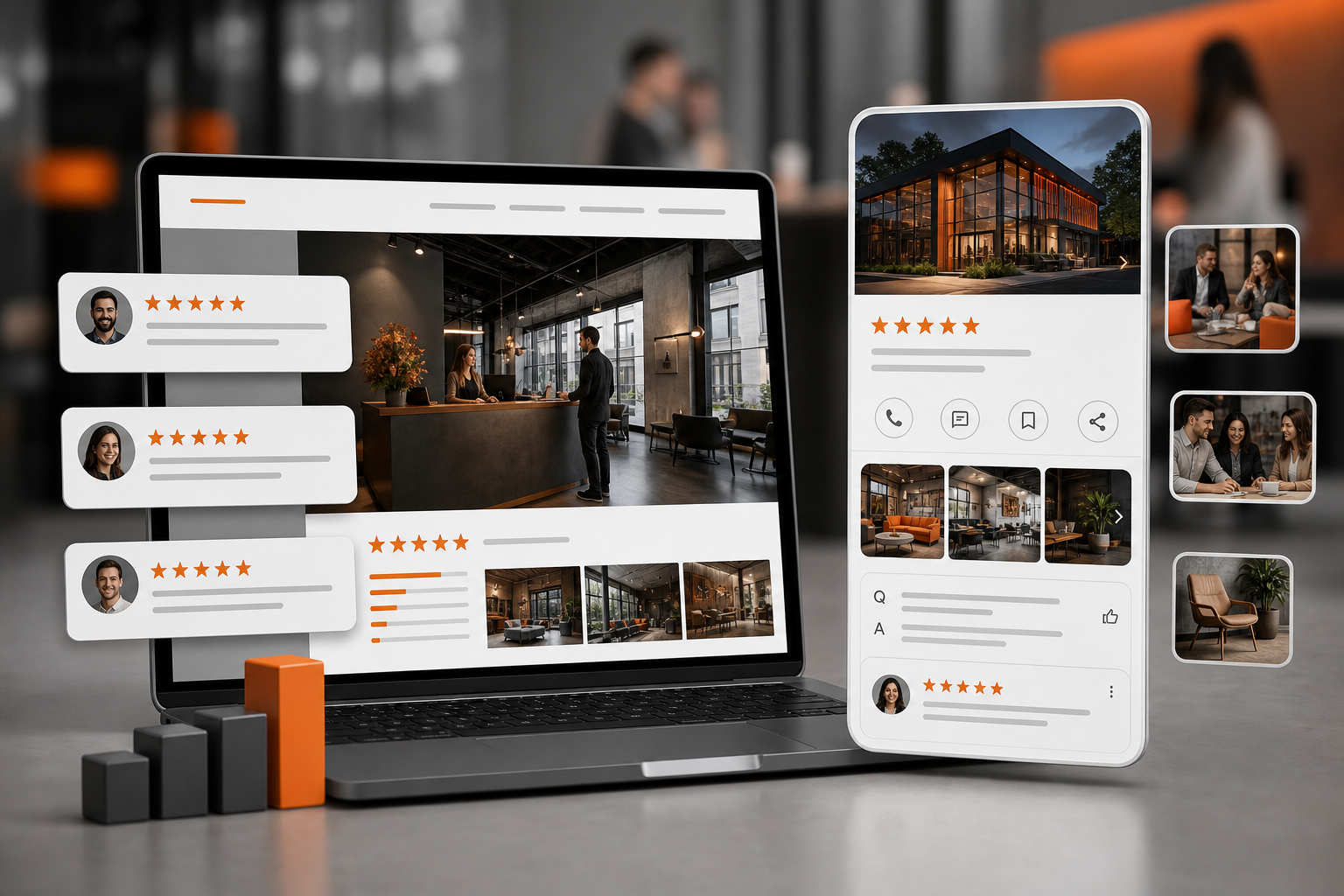
You worked hard for the reviews—make them visible.
Where to feature:
- GBP: Add your best photos, keep categories/services updated, and answer Q&A proactively. Pin posts highlighting real customer outcomes or FAQs.
- Website: Create a Reviews or Results page; sprinkle relevant testimonials on high-intent pages (Service, Pricing, Locations). Use legally acquired reviews and follow platform T&Cs.
- Structured data: Implement Review/LocalBusiness schema for eligible first-party testimonials. Do not mark up third-party reviews you don’t host.
- Ads and landing pages: Align social proof to the offer. If you run [Local Service Ads Google Setup Costs Roi](https://orangeandblackdigitals.com/blog/local-service-ads-google-setup-costs-roi/), mirror your strongest service-specific testimonials.
Pro tip: Rotate fresh reviews monthly. Recency improves credibility.
Measurement: weekly checks that prove it’s working
Track these leading and lagging indicators:
- Review velocity: New reviews/week by platform
- Star rating: Average on GBP and top platforms
- Response speed: Median hours to reply; percentage responded within 24h
- Sentiment themes: The top 3 positive and negative topics customers mention
- Visibility: Local pack presence for 5–10 priority keywords and from your key service-area locations
- Conversions: GBP actions (calls, directions, website visits), landing page conversions where you surface reviews
Set targets that fit your market density (for many local niches, +5–15 new Google reviews/month is a strong signal; tailor to competitor baselines). Revisit your audit doc every two weeks and adjust flows and messaging.
What “best online reputation management” really means
“Best” isn’t a single tool; it’s the tight fit between your workflows, policies, and customers. A pragmatic stack for small teams:
- Source-of-truth: Google Business Profile, plus your top 2–3 niche platforms
- Automation hub: GoHighLevel or Zapier/Make
- Messaging pipes: Twilio (SMS), Mailgun/SendGrid (email)
- Routing/collab: Slack or Microsoft Teams for review alerts
- CRM/POS triggers: Shopify, Square, Stripe, HubSpot, or Salesforce
- Showcase: Your CMS with a reviews module and compliant schema
If you already run automations, see AI Marketing Automation System for orchestration ideas you can adapt to reviews. And for broader planning across channels, Topiclicks is an agentic AI platform for omnichannel content planning and execution, built for brands and product teams focused on generating revenue and conversions: https://topiclicks.com/
Evidence check: policies you must respect
- Google Business Profile: No incentives, no conflict of interest, and avoid selectively asking only happy customers. You can request reviews, but keep it optional and unbiased.
- Yelp: Strongly discourages asking for reviews at all; focus on great service and organic reviews there.
- FTC Endorsement Guides: Endorsements must be honest and not misleading. If you curate first‑party testimonials, they must reflect typical experiences or include clear disclosure where appropriate.
- Privacy and messaging laws: Honor opt-outs, local quiet hours, and consent requirements (e.g., TCPA in the U.S., GDPR/PECR in the EU/UK). Maintain logs for consent and unsubs.
When in doubt, keep language neutral, provide a no‑pressure option, and never tie reviews to rewards.
The 90-day timeline (detailed)
Weeks 0–1: Audit and goals
- Capture baselines: ratings, velocity, response times, competitor comparison.
- Define 2–3 primary review platforms.
- Draft templates for positive/neutral/negative responses.
Weeks 1–3: Build the engine
- Connect triggers from POS/CRM to your automation hub.
- Create two post‑purchase sequences (SMS-first and email-first) with 1–2 nudges.
- Install QR signage; train staff on when/how to mention it.
- Set up Slack/Teams alerts for new reviews and GBP Q&A.
Weeks 3–6: Launch and safeguard
- Turn on the “satisfaction check” branch; route detractors to support.
- Start capturing themes from reviews and support tickets.
- Publish a Reviews page and update key service pages with fresh testimonials.
Weeks 6–12: Scale and optimize
- Adjust timing by segment (e.g., weekday mornings for B2B, early evening for home services).
- Add a light “photo encouragement” line for satisfied customers on platforms that allow it.
- Track wins on the branded SERP and local pack; iterate categories, services, and GBP attributes.
How Orange & Black can help (practical fit)
We combine AI search optimization and GEO with workflow automation to install the review engine described here. That means mapping your real customer touchpoints, wiring compliant SMS/email asks, building the routing and response guardrails, and integrating review proof into high-intent pages for measurable lift in visibility and conversions. If you’re an agency, we’ll help standardize templates, roles, and dashboards so your team can run this at scale. Ready to operationalize it in 90 days? Start here: Orange & Black
For adjacent systems and road-mapping, explore our 90 Day Ai Marketing Roadmap 2026 and the Content Operations For Agencies 2026 Playbook.
Real-world examples you can adapt

- Home services (plumber): Trigger after “job completed” in field software. First SMS 3 hours post-visit; if no action, email 48 hours later. Showcase review snippets on the “Emergency Repairs” page.
- Dental clinic: After checkout, staff hands an NFC card if the patient expresses satisfaction. SMS goes out next morning. Negative feedback routes to office manager with a same-day call policy.
- Fitness studio: QR poster at the front desk and an email nudge after the 3rd class. Monthly social proof reel compiled from recent reviews (platform‑compliant) on the site.
Limitations and risks to consider
- You can’t control what customers write, and you can’t remove reviews unless they violate platform rules.
- Over-automation can feel robotic; always personalize responses and cap nudges.
- Some platforms (e.g., Yelp) discourage solicitation—adapt your approach per platform.
- Sensitive industries (healthcare, legal) must avoid sharing private details in responses.
- SMS/Email laws require explicit consent and easy opt-out; mishandling this risks penalties.
Quick reference: your 5 measurable checks
- Are we adding fresh reviews every week on our primary platform?
- Is our average response time under 24 hours?
- Do our top 3 sentiment themes reflect our service strengths—and are we closing the loop on negatives?
- Is our branded SERP richer (stars/Q&A) and are local pack positions improving for 5–10 target terms?
- Are GBP actions and site conversions up on pages where reviews are showcased?
Next steps
- Finish the audit and map your triggers.
- Launch the satisfaction check and two-step ask sequence.
- Set a 24-hour response SLA and stand up templates.
- Add a Reviews page and update two high-intent service pages with fresh social proof.
- Reassess in two weeks and iterate timing, copy, and routing based on early signals.
For more go-to-market structure, see our Zero Budget Growth Hacking Launch Playbook for scrappy systems you can parallel with your ORM engine.
Common questions
Frequently asked questions
What is online reputation management for local businesses?
It’s the ongoing process of earning, monitoring, replying to, and showcasing customer reviews and mentions across Google, Facebook, Yelp, and niche sites to improve local SEO, trust, and conversions.
How many reviews do I need to rank higher in Google’s local pack?
There’s no fixed number. Aim to outpace your top local competitors in both quality and recent volume. Consistent review velocity, recency, and detailed content often correlate with better local visibility.
Is it legal to automate review requests with SMS or email?
Yes, if you have proper consent, honor opt‑outs, respect quiet hours, and avoid incentives or review gating. Follow platform policies (e.g., Google prohibits incentivized reviews) and local messaging/privacy laws.
What is the best online reputation management tool stack for small teams?
Use GBP plus your top niche sites, an automation hub (GoHighLevel or Zapier/Make), SMS/email providers (Twilio, Mailgun/SendGrid), Slack/Teams for alerts, your CRM/POS for triggers, and your CMS for showcasing reviews.